
Your outcome
What you will have at the end
A published page with a clear offer, a tested contact path, useful imagery, and a record of what you will improve next.
Bring these starting materials
- A description of your audience, the problem you can help with, and one action you want a visitor to take. Rough notes are enough to start.
- Your existing website and project files, if you have them. Include the brand rules, current contact destination, and content that must be preserved.
- Material you have permission to publish: your own examples, approved images, accurate service details, and source links for factual claims.
- A written limit for the first release. In this example: one service page, one sample, and one enquiry route. Accounts, checkout, and an entire application can wait.
Choose a small, useful toolkit
One assistant and a clear review process are enough to begin. Add a tool only when the next task requires it. Software subscriptions and setup are separate from these free guides.
Plan and write
Your preferred AI assistant
Use ChatGPT or Claude to organize your notes, challenge assumptions, draft alternatives, and review the brief. Start with the tool you already know.
Explore the layout
Paper, a simple outline, or Figma
A prototype is useful when it resolves a real layout question. You can also sketch the content order before asking a builder to create the first version.
Build and keep versions
Your site builder or coding workflow
Give the builder access only to the project needed for this work. A coding assistant can prepare source changes; the repository keeps a reviewable history.
Publish and observe
Your existing host and contact tools
Follow the deployment path already used by the site. Wealth Experiment publishes through GitHub and Railway. Choose tools for your project rather than copying every item in someone else’s stack.
One example, carried through the process
The project we will build together
Our illustrative project is a one-page website for a freelance operations specialist who reviews client onboarding for independent consultants. The visitor should understand the review, see a sample, and request a conversation. This is a teaching scenario, not an advertised Ashley service or a client result. For a real published artifact, explore the AI income experiment guide already on Wealth Experiment.
Explore a real published guide on this site →You can run these roles in one assistant or delegate them when your tools support it. These guides teach the process; reading or copying a prompt does not connect accounts or start an agent.
You + product lead
Write a brief your team can build from
A website request becomes easier to execute when the team knows whose decision it must support. “Make it beautiful” leaves the purpose open. A brief should connect the audience, the offer, the evidence, and the next action before anyone chooses a layout.
What to do
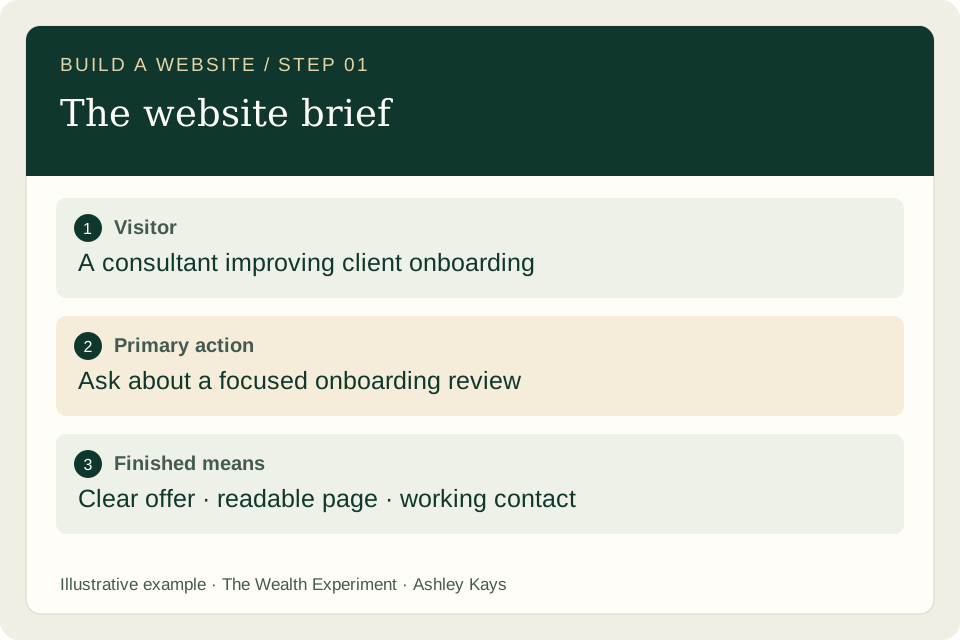
- Describe one visitor in a real situation. Our visitor is an independent consultant who has signed a client but still coordinates onboarding through scattered emails. Record what you know from conversations separately from what you are assuming.
- Write the primary action and explain what happens afterward. Here it is “Ask about an onboarding review.” The page should say what to include in the enquiry and that scope is agreed before work begins. Use the contact route that actually exists.
- Set the boundaries and acceptance checks. List required sections, content to preserve, and features to leave out. Ask someone to read the brief and explain the page’s job back to you; revise anything they interpret differently.
See what good work looks like
Example: the one-page build brief
Audience: independent consultants with a repeatable client-onboarding task. Offer: a review of one existing onboarding flow, with written findings and prioritized recommendations. Evidence: an original sample review using fictional client details. Primary action: request a conversation.
Required content: the problem, who the review helps, what is included, the working process, a sample, common questions, and contact details. Finished means: the offer is understandable on a phone, every link works, and the contact action reaches its intended destination. No invented testimonials or numerical improvement claims.
Copy the prompt for this step
Replace the bracketed details with your own project. Review what the assistant returns.
Act as the product lead for one service page. Use these notes: [paste audience, offer, sources and contact route]. Return a brief with the visitor’s situation, one primary action, required sections, exclusions and acceptance checks. Separate facts I supplied from assumptions and questions. Identify information that is missing before drafting claims. Keep the first release to one page. Do not build or publish yet.
Before you move on
- The audience and visitor’s next action are specific.
- Every promise has supporting information or has been removed.
- The definition of done describes observable behavior.
Keep this output: An approved brief that the writer, designer and builder can all use.
If you get stuck: If the AI returns a broad business plan, ask it to reduce the answer to the visitor decision this single page must support.
Researcher + builder
Inspect the site before choosing a solution
An existing website already has useful decisions inside it: navigation, typography, content sources, contact handling, and a release process. Understanding those pieces helps the team extend the site coherently and prevents a later build from erasing the edit.
What to do
- Ask the builder to locate the source of the page. In a generated site, a template or content file creates the final HTML. Record which source should change, which files are generated, and how the project is built. If you use a visual site builder, identify the reusable template and page settings instead.
- Walk the existing visitor path. Open navigation, contact links, downloads, and important pages. Record the actual behavior: an email link opens a draft, an enquiry form may save a request, and a booking tool may reserve a time. These are different outcomes.
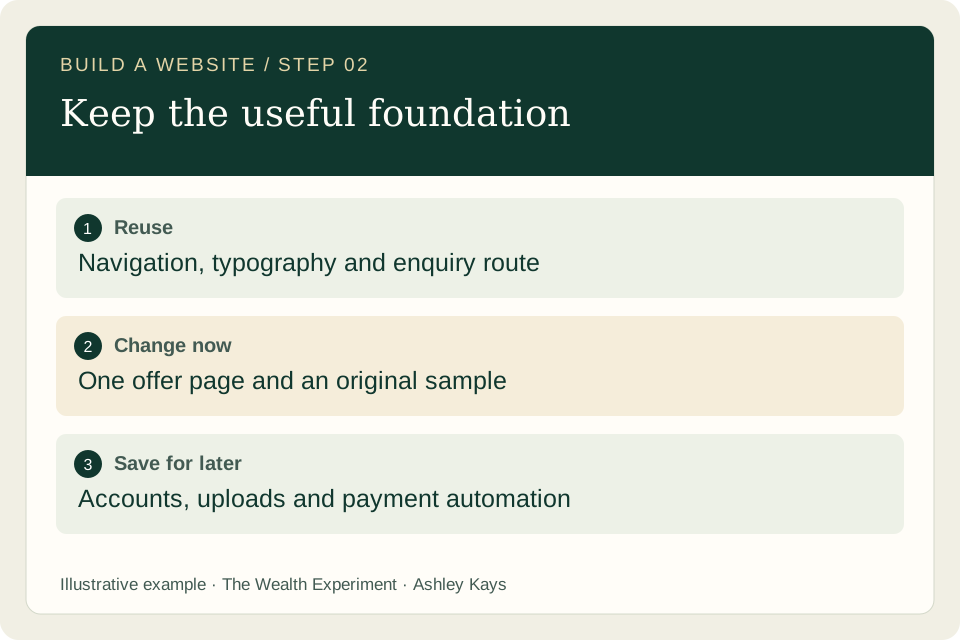
- Make a small change list with three columns: reuse, change now, and later. Keep functioning shared elements. Check whether the request really needs a database, account system, paid plugin, or new service before adding one.
See what good work looks like
Example: a useful current-state note
Reuse: the site header, footer, body typography, and current enquiry page. Change now: add the onboarding-review page, an original sample, and links from the relevant service section. Later: a customer portal, automated document uploads, and online payment.
The release note identifies the editable content source and the host. Wealth Experiment itself uses a Python content generator and a GitHub-to-Railway publishing path; that is an example of documenting an existing setup, not a requirement for your website.
Copy the prompt for this step
Replace the bracketed details with your own project. Review what the assistant returns.
Inspect this existing site and the project sources available to you. Identify the page’s content source, shared layout, assets, contact behavior and deployment path. Return a current-state note, a reuse/change/later table, and a short implementation plan for the approved brief. Mark anything you cannot inspect. Do not replace functioning infrastructure or change unrelated pages.
Before you move on
- The actual editable source has been identified.
- The contact outcome matches the wording visitors will see.
- Each proposed dependency solves a requirement in the brief.
Keep this output: A current-state map and a bounded implementation plan.
If you get stuck: If the team only edits generated output, the next site build can overwrite it. Ask for the source change and regenerated page together.
Designer + writer
Design the journey and prepare real content
A good page answers the visitor’s questions in a helpful order. A wireframe becomes more useful when it contains realistic words and a meaningful sample, because you can judge the offer and the layout together.
What to do
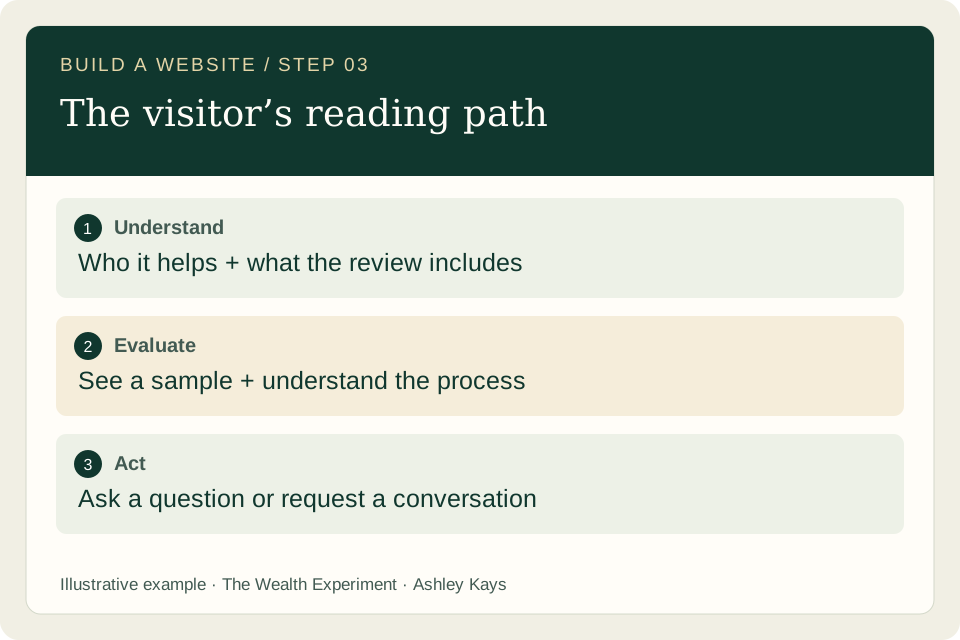
- Arrange the page around the questions a visitor needs answered: Is this for me? What will I receive? How does it work? What evidence can I inspect? What happens next? Keep the main contact action consistent throughout the page.
- Draft the headline, short introduction, deliverables, process, sample caption and FAQs. Replace vague claims with concrete details. “A clear plan for your next client onboarding” gives the reader more information than “Transform your business with AI.” Treat both as copy examples, not measured conversion findings.
- Choose visuals that explain something. Show an original sample review or a labeled process diagram. Use photography for atmosphere, and keep the instructions in HTML. Describe informative images with useful alternative text; provide a text explanation for complex diagrams.
See what good work looks like
Example: the page outline
Headline: “Make your next client onboarding easier to follow.” Deliverables: a review of one current flow, a list of friction points, and a prioritized improvement plan. Process: share the current steps, agree the scope, review the findings together.
The sample demonstrates a fictional handoff checklist. Its caption explains that it is an illustrative sample, and the page avoids implying it came from a real customer. The CTA is “Ask about a review,” followed by a short explanation of what to include in the message.
Copy the prompt for this step
Replace the bracketed details with your own project. Review what the assistant returns.
Use the approved brief to produce a page outline and draft copy. Organize the visitor journey around audience, problem, deliverables, process, sample, questions and next action. For each section state its purpose and suggested visual. Keep claims traceable to my source notes. Label fictional examples. Include mobile reading order and meaningful image descriptions. Return the content for review before implementation.
Before you move on
- The headline and deliverables communicate a specific offer.
- The sample is understandable without a sales call.
- Every image has a clear purpose and an appropriate text alternative.
Keep this output: Reviewed copy, a page outline, and an asset list with captions and image descriptions.
If you get stuck: A polished mockup with placeholder copy can conceal a confusing offer. Review the actual words and the real contact action before signing off on the layout.
Builder + independent reviewer
Build a version you can review
Implementation should turn the approved brief into something you can use. A screenshot is useful for visual review, but the first version also needs functioning navigation, accessible controls, and honest loading, error and confirmation states.
What to do
- Give the builder one handoff containing the brief, reviewed copy, assets, existing design rules and acceptance checks. Ask for a reviewable version with a concise explanation of changed files and unresolved questions. Do not give it unrelated credentials or private client material.
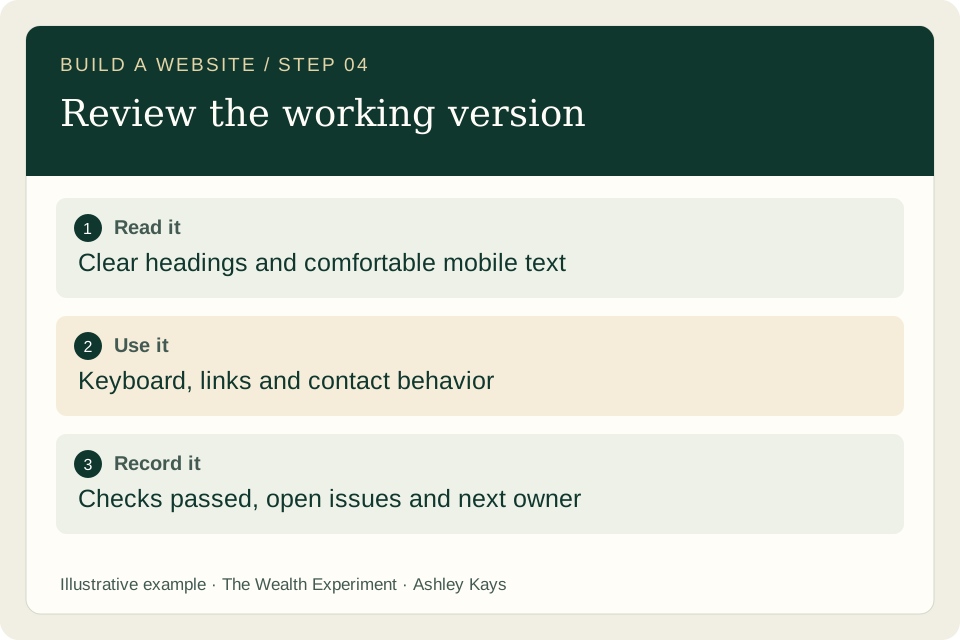
- Inspect the page at a narrow width and with the keyboard. Read the longest heading, follow the focus indicator, activate buttons, and look for sideways scrolling. Form fields need visible labels. Important instructions should not exist only inside a picture.
- Exercise the primary action deliberately. For an email link, check the address, subject and context in the draft without sending a test message to a real person. For a server form, use a designated test environment when available and distinguish a saved request from an email delivery or confirmed booking.
See what good work looks like
Example: the builder handoff
Build the approved onboarding-review page using the current header and footer. Use the sample asset and approved text. Keep the existing enquiry route. Add visible focus styles, readable mobile spacing, and a clear explanation of the next step. Return the preview, changed sources, and the checks performed.
A useful review note might read: “The email draft has the correct recipient and subject. The mobile sample caption wraps correctly. The form route is linked but a real enquiry has not been submitted.” Report precisely what you checked rather than marking every behavior as complete.
Copy the prompt for this step
Replace the bracketed details with your own project. Review what the assistant returns.
Implement this approved page in the existing project. Preserve shared design and working behavior. Include accessible headings, labels, focus states, responsive imagery and useful errors where relevant. Keep secrets and private information out of public files. Return a preview, the changed source files, checks completed and remaining issues. Keep publication separate until the review is complete.
Before you move on
- The page can be read and operated on a narrow screen.
- Links and controls produce their stated outcomes.
- The review record distinguishes checked behavior from remaining unknowns.
Keep this output: A usable preview and a short review record.
If you get stuck: If a button looks clickable but has no working destination, resolve the behavior before adding more decorative polish.
Reviewer + you
Publish, then check the live result
Publishing puts the reviewed version where visitors can reach it. Keep enough information to recognize the release, confirm the intended page is live, and return to a known working version if an issue appears.
What to do
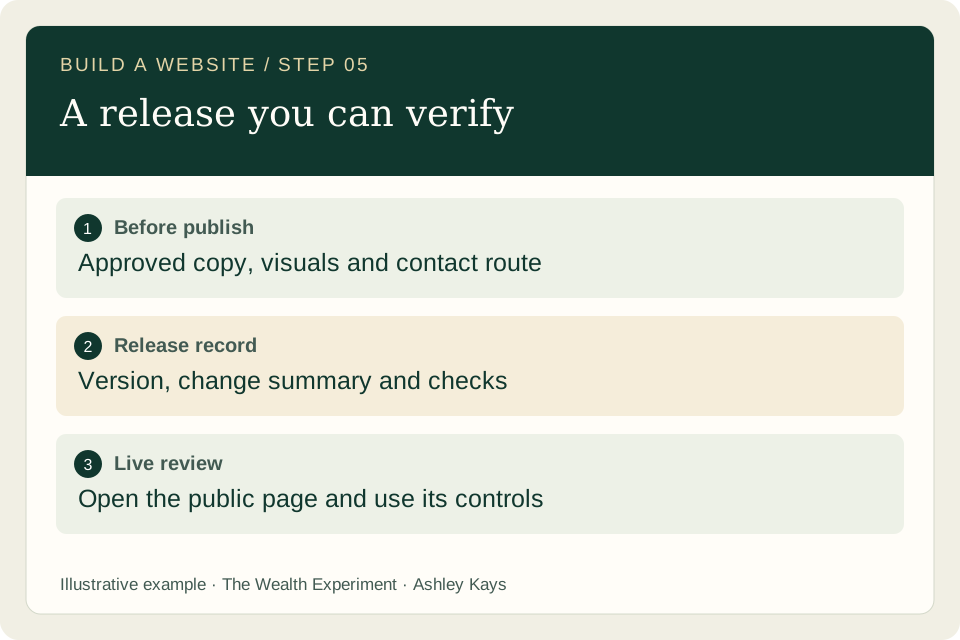
- Review the final wording, images, links and contact destination. Run the project’s relevant build and validation checks. Confirm the intended domain and audience. Keep the change scoped to the approved page and any necessary shared assets.
- Publish through the existing workflow. Save the change summary and version reference, such as a commit or the site builder’s revision. A queued deployment is still in progress; wait for the host to report completion before calling the release deployed.
- Open the public page and use it. Verify the updated heading, images, downloads, navigation and contact link. Record anything you could not verify. If a contact submission triggers a real message or customer record, use an agreed test process rather than creating misleading production enquiries.
See what good work looks like
Example: a compact release record
Page: the final published URL. Change: new service explanation and sample. Evidence: successful build, reviewed mobile layout, working internal links, correct email draft. Version: the actual release reference. Remaining question: whether visitors understand the sample without help.
Keep the previous working release reference alongside this note. If the new page causes a problem, use the host’s normal rollback process and verify the restored page. Your record should contain observed results, not a blanket “everything works.”
Copy the prompt for this step
Replace the bracketed details with your own project. Review what the assistant returns.
Review this candidate release against the approved brief. Return blocking issues, checks that passed, and checks still needed. Verify the exact domain, audience, asset paths and contact destination. After authorized publication, report the release reference, terminal deployment state and live URL. Do not describe a queued build or untested submission as successful.
Before you move on
- The host reports the intended release as complete.
- The public page shows the updated content and loads its assets.
- A previous working version and any remaining limits are recorded.
Keep this output: A published URL with a release record and verified core behavior.
If you get stuck: A preview can look correct while the live page serves an older version or missing assets. Always inspect the public destination after publication.
You + analyst
Learn from the next real visitor
A live page is an output; useful visitor behavior is a different kind of evidence. Start with the action the page was designed to support, then observe where people hesitate and choose one focused improvement.
What to do
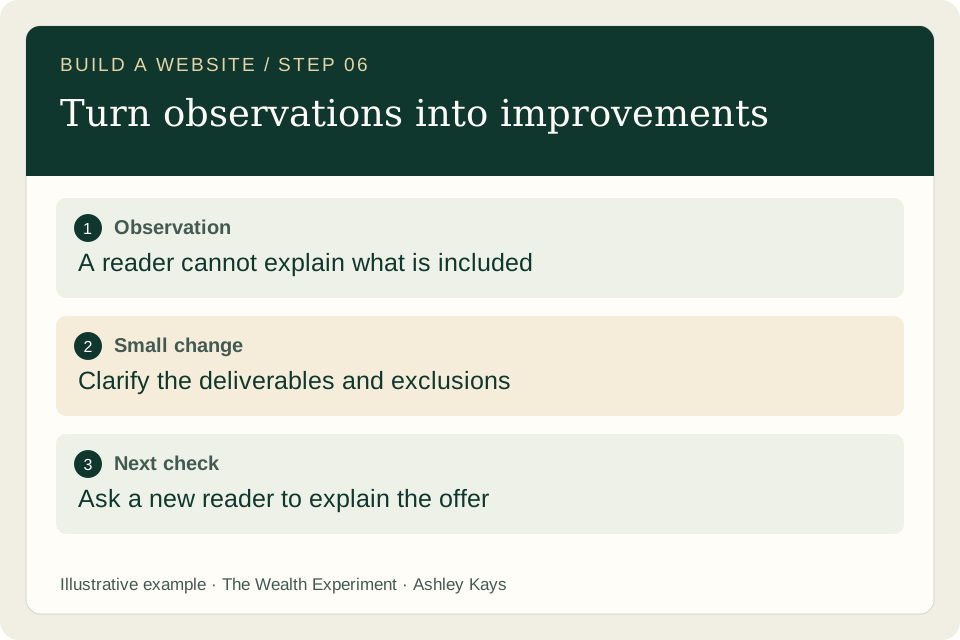
- Invite a suitable person to try the page and explain what they think is offered. Ask them to find the sample and tell you what would happen after contacting you. Observe before explaining; a rescue can hide the instruction that needs improvement.
- Record relevant visits, contact attempts, qualified enquiries and customers separately when your measurement setup supports them. Note the source and time period. Use consent-aware analytics where configured, and avoid adding personal message contents to analytics events.
- Choose a small revision linked to an observation. If people cannot describe the deliverable, clarify it. If nobody relevant has seen the page, test distribution before concluding the offer is wrong. Keep the original observation so the next review has context.
See what good work looks like
Example: observation becomes a change
Illustrative observation: a volunteer reads the page and asks whether the service includes implementing every recommendation. The sample shows findings, but the boundary is unclear. Revision: add a plain-language inclusion and exclusion near the deliverables.
Next review: ask another suitable reader to describe what they would receive. Record their answer and any help you gave. This is a usability observation, not a claim that the revised page produces more sales.
Copy the prompt for this step
Replace the bracketed details with your own project. Review what the assistant returns.
Review this observation log and any configured site metrics. Separate evidence, interpretation and missing information. Relate each issue to the page’s primary visitor action. Recommend one small change, explain what observation supports it, and define how I can evaluate it. Do not invent conversion rates or treat limited traffic as proof that the offer works or fails.
Before you move on
- Visits, clicks, enquiries and purchases are not mixed together.
- The next change addresses an observed problem.
- Unknowns and the next review date remain visible.
Keep this output: An evidence log and one justified next improvement.
If you get stuck: Avoid changing the headline, offer, pricing and channel at once. You will find it harder to understand which change explains a different response.
Make it yours
Your assignment: one page, one useful action
Choose an existing service, resource or project and create its smallest useful page. Follow the six steps, keep the output from each one, and finish by showing the published page to a suitable reader. Treat their questions as material for the next revision.
Keep these deliverables
- A one-page brief and current-state note.
- Reviewed copy, a sample and an image list.
- A working page, release record and contact path.
- An observation log with one next improvement.
You are ready for the next step when…
- A visitor can explain who the page helps and what is offered.
- They can find and use the intended next action.
- You can identify the published version and what remains unmeasured.
When the work gets stuck
The copy sounds like every other AI website.
Give the writer specific customer questions, the actual deliverable, exclusions and an example. Ask it to replace every broad claim with a concrete detail supported by those inputs.
The page looks different after the next build.
Check whether the change was made in generated HTML instead of its source. Update the content file or template, rebuild, and compare the output before publishing again.
The desktop layout works but mobile is hard to read.
Inspect long headings, wide tables, fixed-width images and dense columns. Stack related content, keep body text comfortable, and test the actual contact control at the narrow width.
The contact button does not create an enquiry.
Identify the intended behavior first. An email link opens a draft the visitor must send; a form needs a working endpoint. State the behavior accurately, keep a visible email fallback, and inspect the configured route.
The page is live but there are no enquiries.
Check whether suitable visitors reached it, whether they understood the offer, and whether the contact action worked. These are separate questions. Gather enough context to choose the next test instead of promising a universal conversion target.
Questions before you begin?
Do I need separate agents for every role?
No. Run the roles in sequence with one assistant if that is easier to review. Start a distinct review pass with the approved brief and the current output. Delegate parallel work when inputs and responsibilities are clear.
Can I use my existing website builder?
Yes. The brief, content journey, examples and review checks still apply. Adapt the implementation and publication steps to the builder you already use. You do not need to migrate a functioning site to follow this guide.
Should the first version include payments or accounts?
Include them only when the visitor task requires them and you can support the resulting workflow. For this teaching project, an accurate service page and a reliable enquiry route are sufficient.
Can Ashley help me build or improve my page?
Use the email or project enquiry options below. Share the current URL, your audience, the outcome you want, and the part that is blocking you. Scope, availability and pricing are discussed before any work is booked.
Sources and further reading
These references support the workflow and learning principles. The worked examples and prompts above are original teaching material. Check product documentation for current screens and feature availability.
- W3C WAI: image alternatives and complex visuals ↗
- W3C WAI: accessible form labels and instructions ↗
- Anthropic: simple, reviewable agent workflow patterns ↗
Guide updated October 25, 2026 · Ashley Kays · The Wealth Experiment